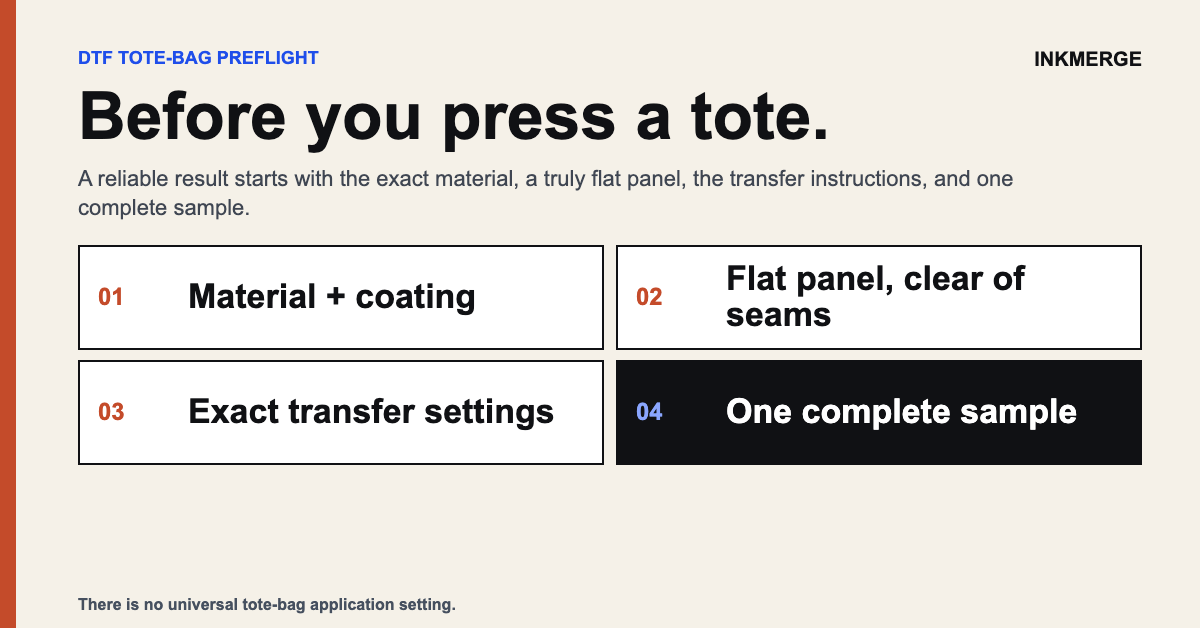
DTF Transfers on Tote Bags & Canvas: Application Guide
DTF transfers can be used on some tote bags and canvas products when the exact bag, transfer, and application process are compatible. The safest way to plan the project is to inspect the bag construction, measure the truly flat print area, and test a sample before producing a larger batch.
Identify the tote material first
Check the manufacturer's material information and heat limitations for the exact bag. Cotton canvas, polyester, blends, coated materials, jute, and synthetic leather can behave very differently under heat and pressure. Do not assume every tote can use the same process.
Inspect coatings and finishes
Water-resistant treatments, waxes, coatings, laminations, and specialty finishes can change adhesion or react to heat. If the surface is coated or the material is unfamiliar, test it before production and stop if the bag discolors, distorts, melts, becomes glossy, or the transfer does not release correctly.
Measure the actual flat panel
Use the flat front or back panel as the sizing reference—not the bag's overall outside dimensions. Handles, gussets, side seams, bottom seams, pockets, zippers, and boxed corners reduce the area that can sit evenly under a platen.
Choose artwork size from the panel
Lay the bag flat and mark the intended design area. Keep important artwork away from thick seams or raised construction unless the equipment and application workflow are designed to compensate for them. Create a paper mockup at actual size if you are unsure about proportion.
Gussets and boxed bags
A gusset can create uneven thickness beneath the print area. Arrange the bag so the intended panel is as flat and even as possible according to your press and accessory instructions. Do not improvise with materials that the equipment manufacturer does not recommend near a heated platen.
Handles and narrow areas
Handles are narrow, flexible, and frequently folded during use. They also may be difficult to position evenly on a standard platen. Treat handle decoration as a separate application problem and verify that the transfer and equipment support it.
Front and back designs
When decorating both sides, consider how heat from the second application could affect the first. Follow the transfer-specific process and any protective or cooling instructions before pressing the opposite side. Test the complete sequence on one sample bag.
Application settings
There is no universal tote-bag temperature, time, pressure, or peel method. Follow the instructions supplied with the exact transfer and confirm the bag can tolerate those conditions. A canvas bag and a polyester promotional tote should not be assumed to use the same application process.
Test before a production run
Apply one representative sample using the intended transfer, bag, press, and process. Inspect:
- carrier release
- edge adhesion
- surface texture or shine
- bag discoloration or distortion
- artwork placement
- seams or raised areas interfering with pressure
If the sample behaves unexpectedly, stop and recheck the transfer instructions, bag specifications, and press setup.
Batch consistency
When producing multiple bags, document the approved placement and application process. Periodically compare finished pieces to the approved sample. Bag construction can vary, especially around seams and gussets, so do not assume every piece is perfectly identical.
Care guidance
Use the care guidance supplied for the transfer and the bag. Do not promise a universal wash count or machine-wash method unless it has been verified for that exact product. Some totes may not be intended for machine washing at all.
Business pricing
Calculate profitability from current blank cost, transfer cost, labor, packaging, payment fees, shipping, error allowance, and the selling price your market actually supports. Do not rely on a static article price table because supplier and shipping costs change.
Tote-bag checklist
- Exact bag material identified
- Manufacturer heat limitations reviewed
- Coatings or specialty finishes checked
- Flat printable panel measured
- Seams, pockets, handles, and gussets considered
- Artwork mocked up at actual size
- Transfer-specific instructions available
- One complete sample tested
- Care instructions confirmed
Common questions
Can DTF be used on every canvas tote?
No. Canvas construction, dyes, coatings, and transfer requirements vary. Confirm the specific bag and test it.
What size transfer should I use on a tote bag?
Measure the flat printable panel and size the artwork to that panel. Avoid relying on a standard tote dimension because bags vary widely.
Can I use a household iron?
Only when the exact transfer instructions permit that application method. If a calibrated heat press is required, an iron is not an equivalent substitute.
Can I press across seams?
Raised seams can interrupt even pressure. Keep artwork on a flat panel when possible or use an equipment workflow specifically designed for uneven areas.
Choose a DTF transfer size · Read application guidance · Read the transfer sizing guide
InkMerge Pro
Need the transfer, not the shirt?
Browse ready-to-press DTF designs or upload your own artwork. Current product pricing and shipping details are shown on the product page and at checkout.