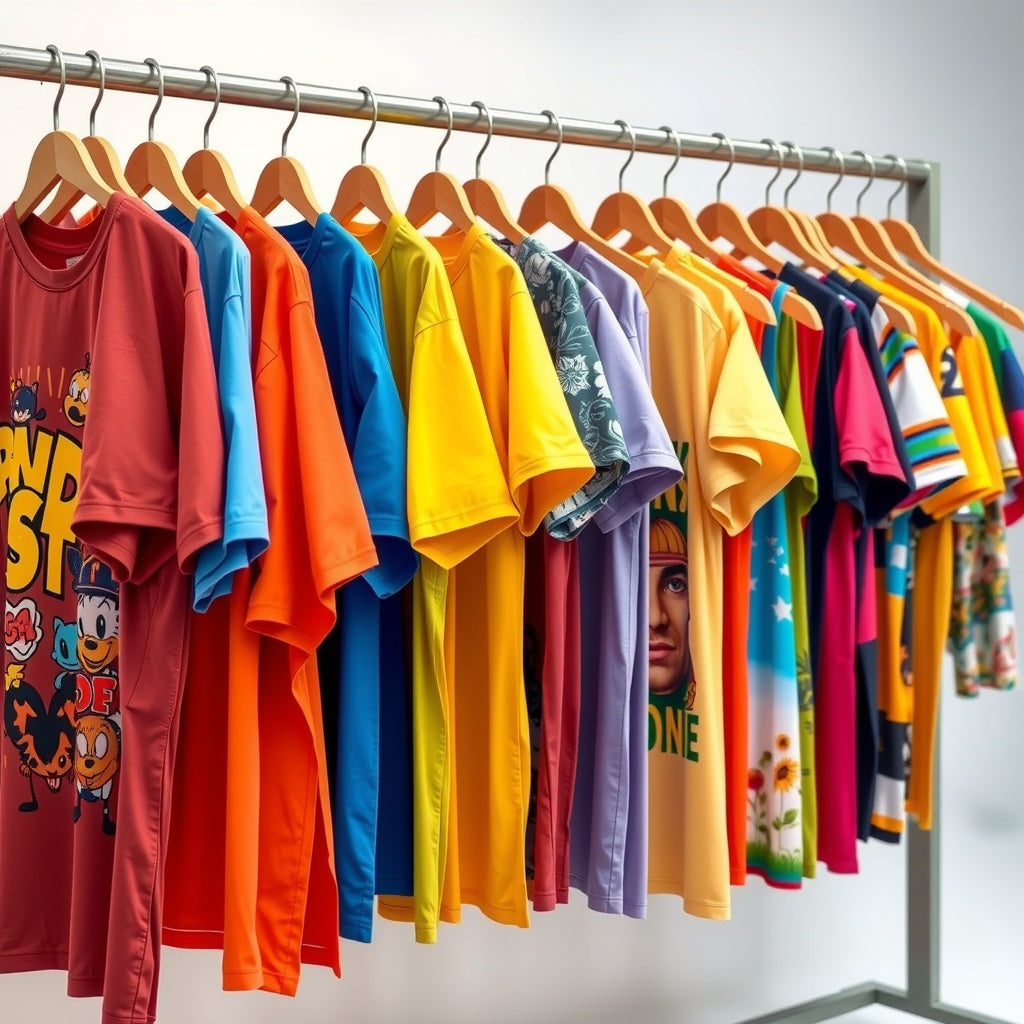
Creating Custom Travel and Vacation Group Shirts With DTF
Why group travel shirts work
Matching shirts can make a travel group easier to identify and create a consistent look for photos. The best designs are useful beyond the first group picture: readable, comfortable, and specific enough to remember the trip without becoming hard to wear later.
Start with the group list
Collect each traveler's name, garment size, preferred color, and any personalization before artwork is finalized. Use one roster as the source of truth. If names or nicknames appear on the shirts, proof them from that roster rather than retyping them during production.
Design for the destination and garment
Choose a base garment suitable for the expected weather and activities. Then size the artwork to the actual printable area. A youth tee, adult tee, hoodie, and tote may need different artwork dimensions even when they share the same design. Keep critical text away from seams and folds and make sure the design remains readable at normal viewing distance.
Use artwork you have permission to reproduce
Travel designs often reference theme parks, cruise lines, sports teams, characters, landmarks, or event brands. A graphic found online is not automatically licensed for reproduction. Use original artwork, properly licensed assets, or graphics you have permission to print.
Personalization without production chaos
Keep the common part of the design consistent and change only the approved personalized element. Export files with clear names and final dimensions. For larger groups, stage transfers and garments in the same roster order before pressing so each traveler receives the correct version.
Gang-sheet planning
Multiple names or design variations may fit efficiently on a gang sheet. Arrange artwork at final size and follow the current builder's spacing and file requirements. The live builder should be used for current sheet dimensions and pricing instead of old square-inch estimates.
Pressing
Do not use one universal temperature, time, pressure, or peel method for every garment. Follow the instructions provided with the specific transfer and verify that the garment can tolerate the required application process. Test unfamiliar fabrics first, especially performance textiles and items with coatings or stretch.
Timing the project
Work backward from the departure date and include time for collecting sizes, artwork approval, ordering, delivery, pressing, inspection, and corrections. Current order and checkout information should be used for live fulfillment timing. An older blog post should not be treated as a shipping or turnaround promise.
Care
Follow the garment label and the transfer supplier's care guidance. Store finished shirts clean and dry, avoid packing them while still warm from pressing, and protect the decorated surface from unnecessary abrasion.
For current pricing, order minimums if any, file requirements, shipping, and turnaround information, use the live InkMerge ordering path when you place the order.
InkMerge Pro
Need the transfer, not the shirt?
Browse ready-to-press DTF designs or upload your own artwork. Current product pricing and shipping details are shown on the product page and at checkout.