InkMerge Pro · Custom transfer upload
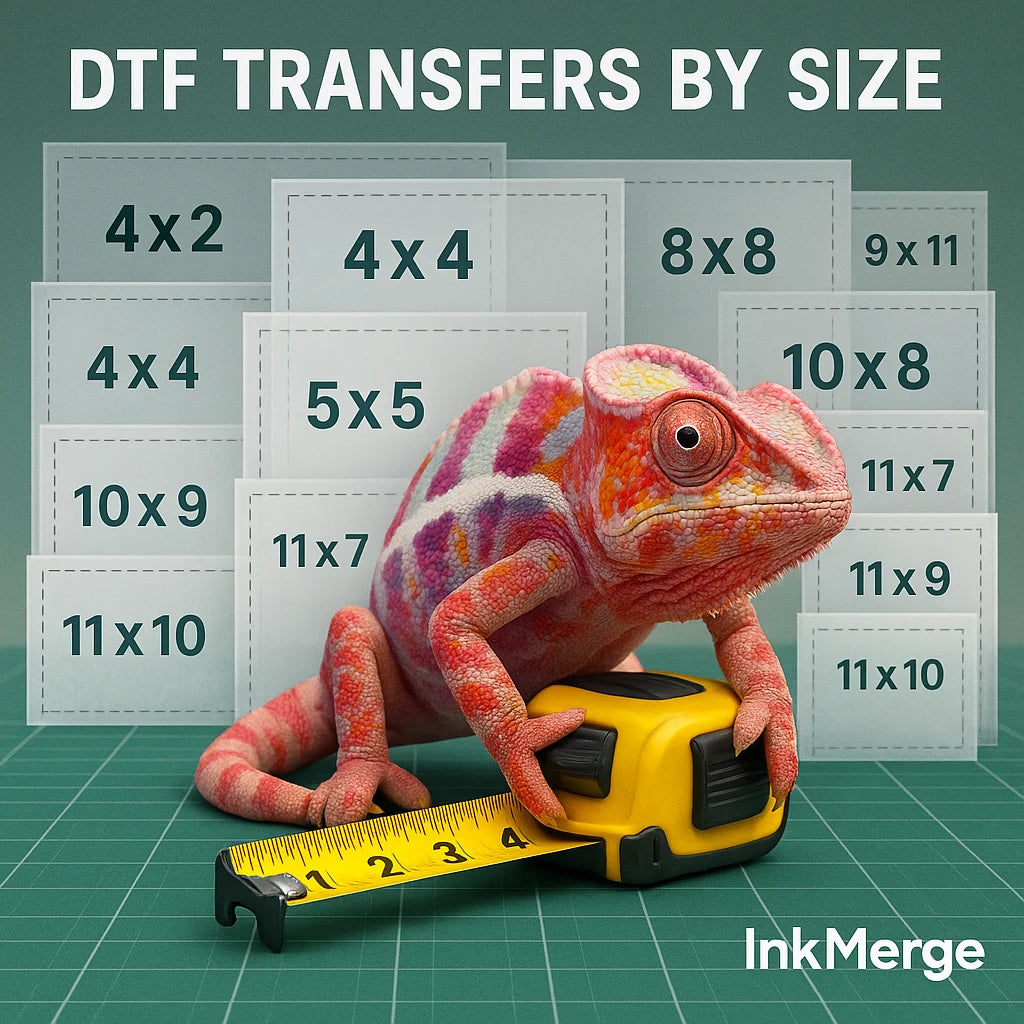
DTF Transfers By Size
A finished shirt is not included. This workflow creates a DTF transfer from the artwork attached to the item.
Attach the artwork, choose the finished transfer dimensions, confirm the displayed price, and add the configured transfer to your cart.
Upload your design
· ·
The $49 rate applies to eligible U.S. deliveries. Final shipping services and eligibility are confirmed at checkout.
What arrives
The attached artwork produced as a DTF transfer. A garment and heat press are not included.
Artwork review
Upload the final file you intend to use. Confirm the filename and any uploader preview before adding the item to your cart.
Application guidance
Application settings can vary by transfer, heat press, garment, and operating conditions. Follow the current instructions supplied with your order. Contact support@inkmerge.com before pressing when the correct settings are unclear.
Shipping and returns
Shipping options and delivery estimates are displayed at checkout.
Read the shipping policy · Read the return and refund policy
DTF transfers by size
Order custom DTF transfers by finished print size.
Custom DTF Transfer — Choose Your Size
Upload your artwork and choose from 18 transfer sizes, ranging from 2 × 2 inches to 12 × 17 inches. This listing is for a DTF transfer only; a shirt or other garment is not included.
Before You Order
- Choose the transfer size that fits the intended print area.
- Use artwork you own or have permission to reproduce.
- Upload a clean, high-resolution file at the intended proportions. A transparent background is recommended when the surrounding background should not print.
- Review the selected size and uploaded artwork before adding the transfer to your cart.
Application
A calibrated heat press is recommended. Pressing temperature, time, pressure, and peel method can vary by transfer material, garment, and equipment. Follow the application instructions supplied for the transfer and test on a sample garment before a production run.
Do not assume a household iron or handheld press will produce the same result unless the instructions supplied with your transfer explicitly support that method.
What Arrives
You receive the custom DTF transfer in the size selected above. The garment, heat press, and pressing accessories are not included.
Need Help?
Questions about artwork proportions, the correct transfer size, or your order? Email support@inkmerge.com before checkout.
Select the width-and-height option for the transfer you want printed, not the shirt size.
Attach the final design file and confirm the uploader preview or filename before adding to cart.
Need many designs on one sheet? Use the gang-sheet builder instead of ordering one transfer by size.
Common questions
What does “DTF transfers by size” mean?
You upload artwork and choose the finished transfer dimensions. The selected size controls the printed transfer size, not a garment size.
When should I use the gang-sheet builder instead?
Use the gang-sheet builder when you have multiple designs and want to arrange them together on a 22-inch wide sheet.
Can I upload PNG, PDF, SVG, TIF, or AI artwork?
Use the uploader’s displayed file requirements for the current product. Confirm the correct file is attached before checkout.
Does this include a shirt?
No. This product is a DTF transfer made from the uploaded artwork. A garment and heat press are not included.
What application settings should I use?
Application settings can vary by transfer, garment, heat press, and shop conditions. Follow the current instructions supplied with your order, and contact InkMerge support before pressing if the correct settings are unclear.
Can I use this for bundles or repeat designs?
For repeat designs, bundles, or multiple placements, compare the transfer-by-size workflow with the gang-sheet builder so you can choose the layout that fits your order.